Start SLAM with RTAB-Map
/ 2 min read
Updated:Table of Contents
This article records a ROS 2 setup that connects an Intel RealSense D455 to RTAB-Map for RGB-D SLAM. RTAB-Map provides ROS 1 and ROS 2 branches; use the branch and documentation matching your ROS distribution. rtabmap_ros provides the ROS integration for the RTAB-Map core library.
The commands below were tested in July 2024. Package versions and launch arguments may change.
Examples
Start with the rtabmap_examples launch files. Before launching ROS, verify the camera with realsense-viewer. The generic RealSense RGB-D setup can be adapted to the D455 by selecting compatible stream profiles and topic names.
- Launch the RealSense node:
ros2 launch realsense2_camera rs_launch.py align_depth.enable:=true depth_module.depth_profile:=640x360x90 depth_module.infra_profile:=640x360x90 rgb_camera.color_profile:=480x270x90- Launch RTAB-Map:
ros2 launch rtabmap_launch rtabmap.launch.py frame_id:=camera_link args:="-d" rgb_topic:=/camera/camera/color/image_raw depth_topic:=/camera/camera/aligned_depth_to_color/image_raw camera_info_topic:=/camera/camera/color/camera_info approx_sync:=false queue_size:=20-
Console:
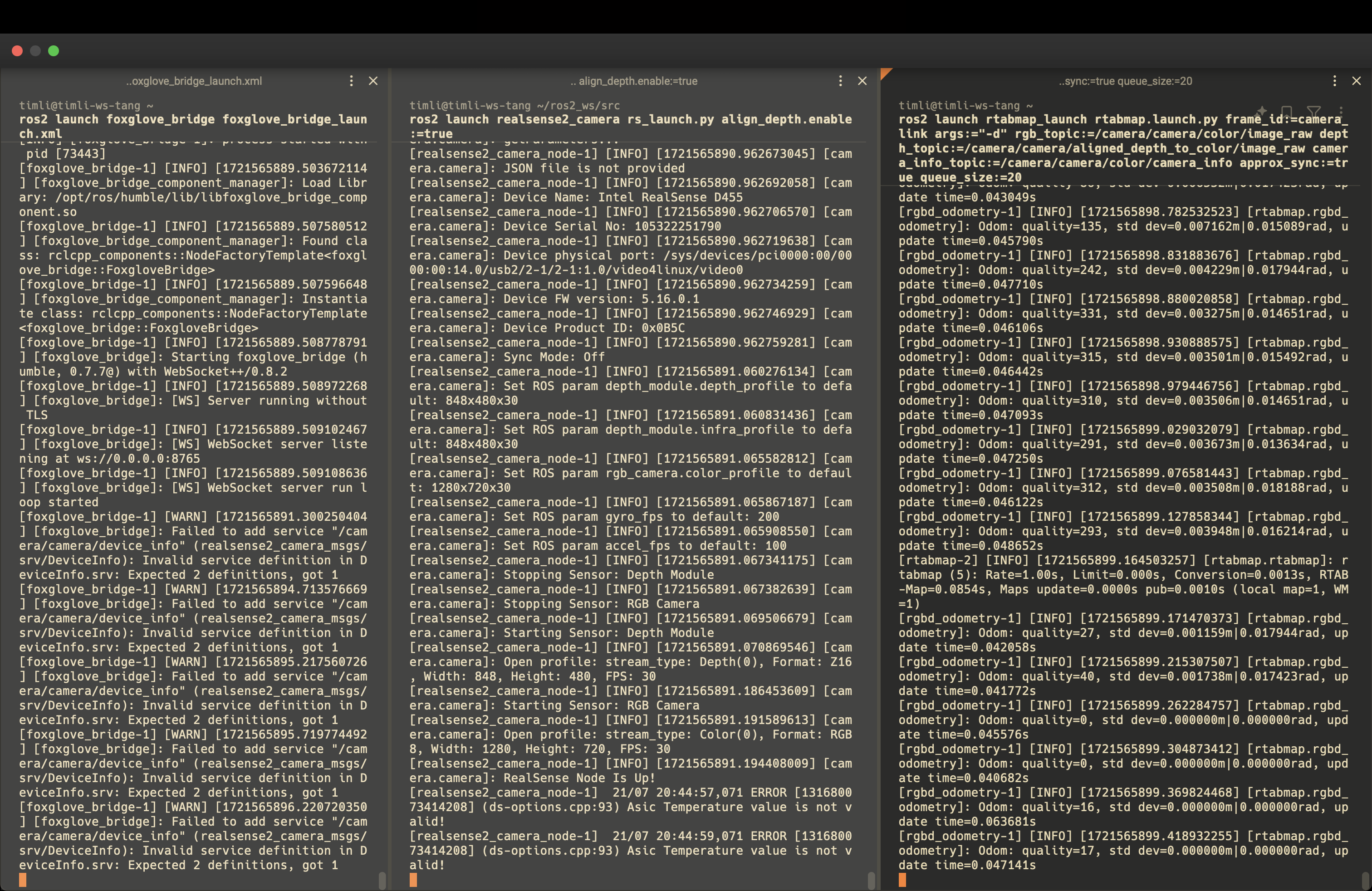
-
GUI:
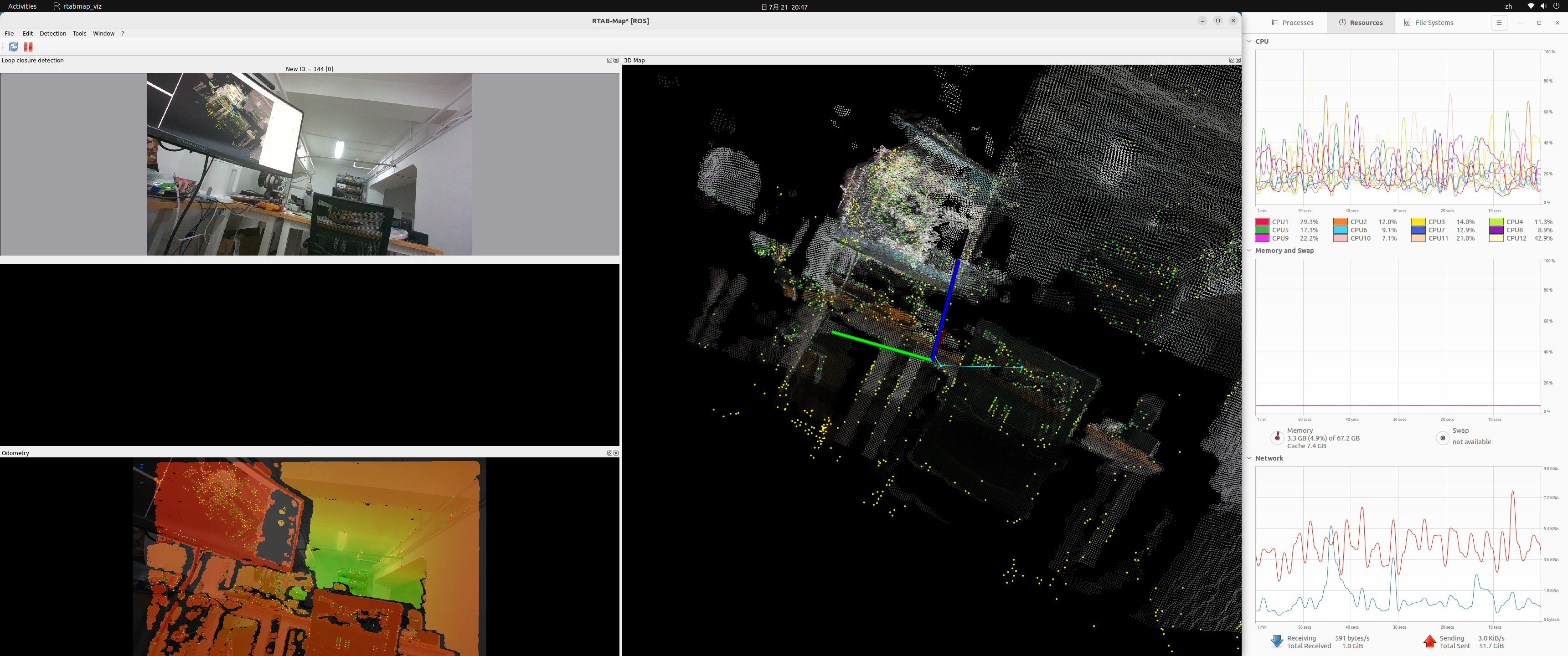
- Remote ROS console (Foxglove):
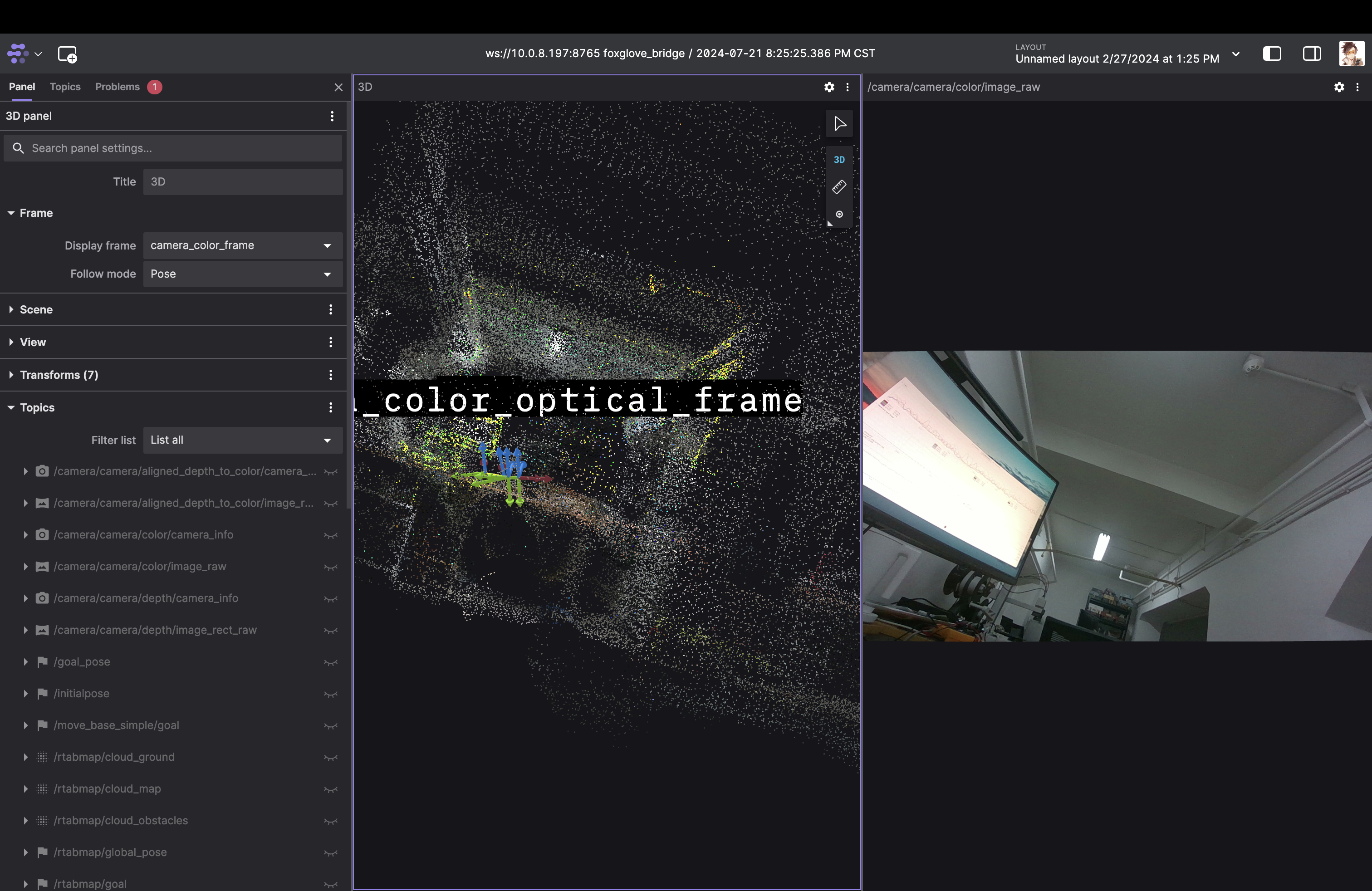
Notes:
- In the tested configuration, the default RealSense topic namespace contains
camera/camera. - RTAB-Map launches a GUI by default. Set
DISPLAY=:0in the current shell when the process needs access to the local X display; avoid adding it globally unless that is appropriate for the system. - Increasing
queue_sizeto 20 prevented synchronization stalls in this test. Treat it as a troubleshooting observation, not a universal requirement.
SLAM with Jetson Orin
- Reconnect the USB-C cable with the opposite orientation if the camera is not detected. Some cables or adapters may not expose SuperSpeed reliably in both orientations.
- Lower the camera resolution or frame rate if USB bandwidth is insufficient.
ros2 launch realsense2_camera rs_launch.py align_depth.enable:=true depth_module.depth_profile:=640x360x30 depth_module.infra_profile:=640x360x30 rgb_camera.color_profile:=480x270x30