Isaac ROS Quick Start
About Isaac ROS
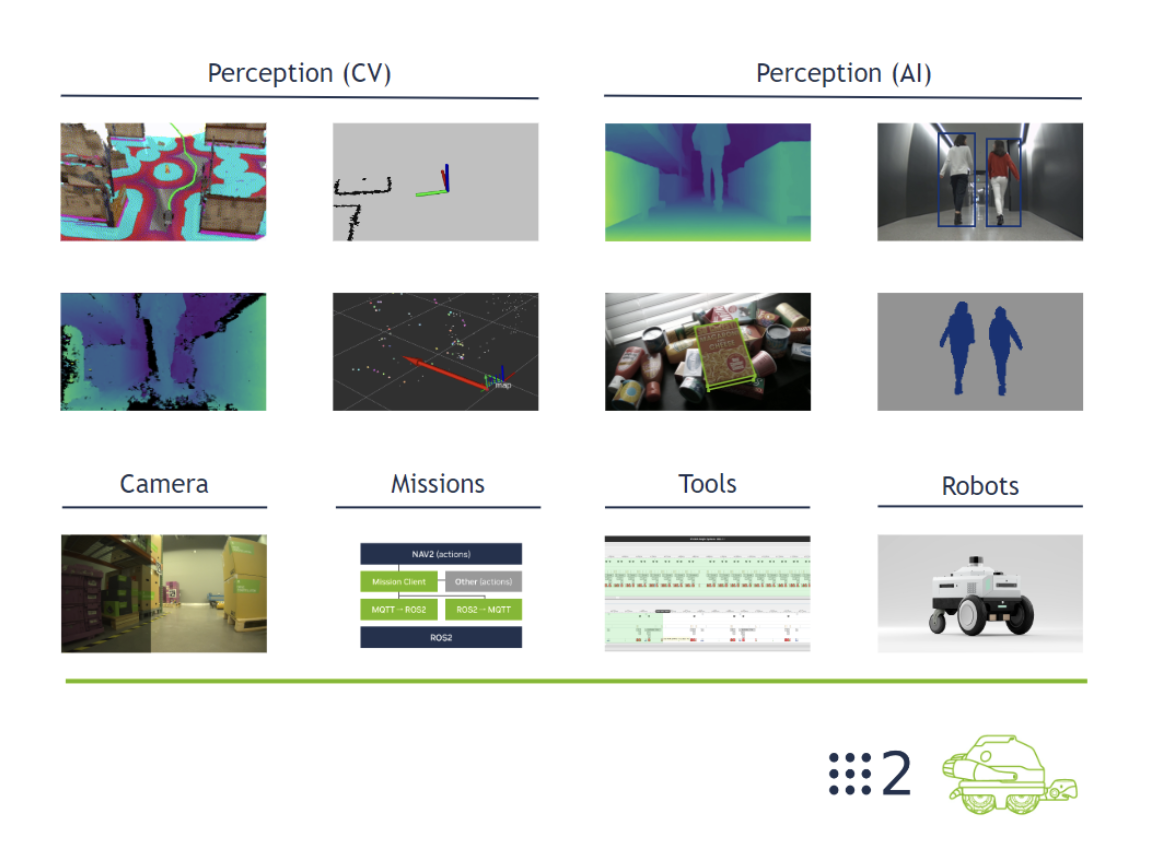
Isaac ROS is a distribution of ROS 2, a collection of NVIDIA-accelerated, high performance, low latency ROS 2 packages for making autonomous robots which leverage the power of Jetson and other NVIDIA platforms.
The official document can be found here: https://nvidia-isaac-ros.github.io/getting_started/isaac_sim/index.html
Quick Setup
Isaac ROS requires container environment.
Nvidia Container
Install, setup and simple validation documents: https://docs.nvidia.com/datacenter/cloud-native/container-toolkit/latest/install-guide.html
Nvidia container allow various backends, and I choose Docker, which is also the default choice of Jetpack.
Validate with a sample workload:
1 | sudo docker run --rm --runtime=nvidia --gpus all ubuntu nvidia-smi |
Isaac ROS
- Setup hardware and software: https://nvidia-isaac-ros.github.io/getting_started/index.html#setup
- Setup Docker container with Isaac-ROS-Common: https://nvidia-isaac-ros.github.io/repositories_and_packages/isaac_ros_common/index.html
- Due to a new dependency in
moveit_constructor, refer to https://github.com/NVIDIA-ISAAC-ROS/isaac_ros_common/pull/137 for a fix.
- Due to a new dependency in
Isaac ROS Jetson
Validate whether Isaac ROS has successfully installed.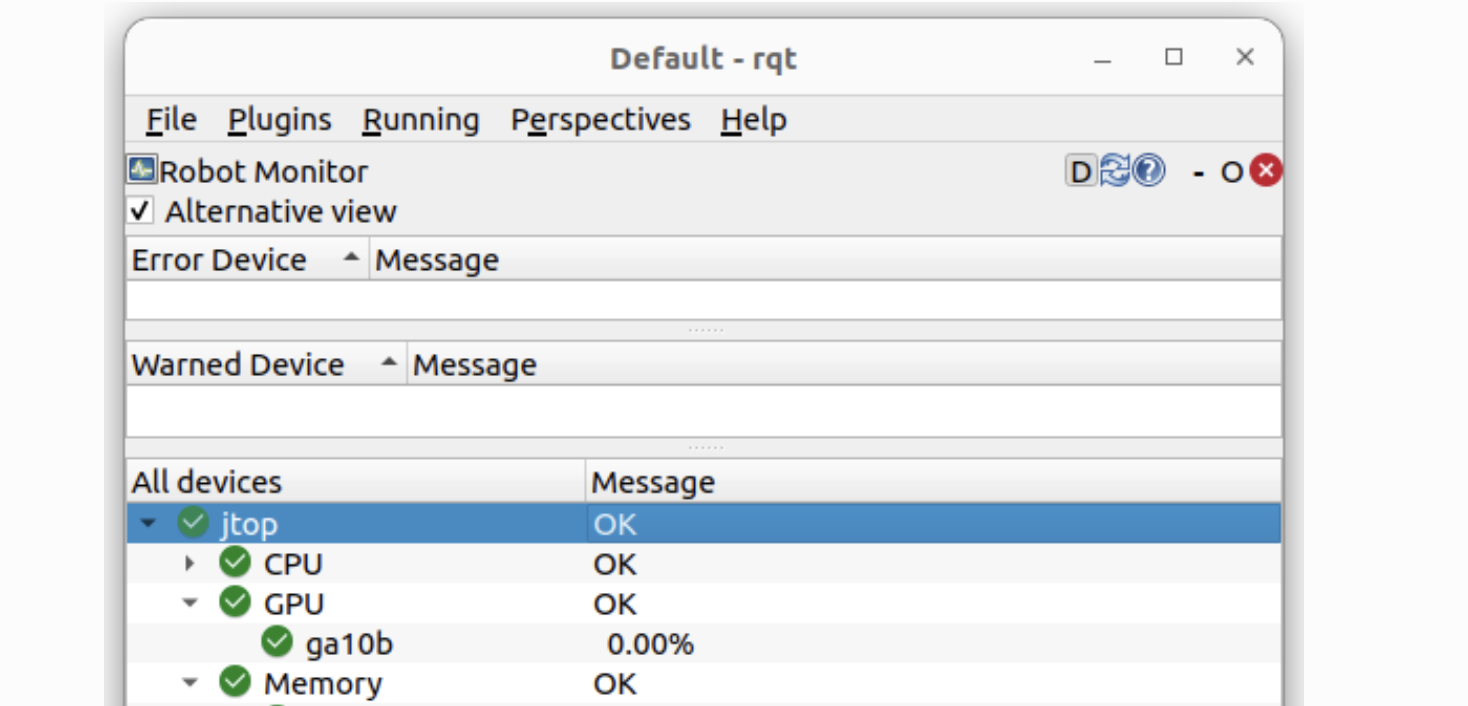
Isaac ROS Visual SLAM
GitHub: https://github.com/NVIDIA-ISAAC-ROS/isaac_ros_visual_slam
Docs: https://nvidia-isaac-ros.github.io/repositories_and_packages/isaac_ros_visual_slam/isaac_ros_visual_slam/index.html#quickstart
Make sure RealSense has setup before. Refer to: https://nvidia-isaac-ros.github.io/getting_started/hardware_setup/sensors/realsense_setup.html
- It is required to use RealSense firmware version 5.13.0.50, librealsense version 2.55.1 and RealSense camera ROS driver version 4.51.1. Any deviation from these versions will break Isaac ROS examples.
- Check with
realsense-viewerbefore the ROS launch.
The tutorial of Isaac-ROS-VSLAM using RealSense camera: https://nvidia-isaac-ros.github.io/concepts/visual_slam/cuvslam/tutorial_realsense.html