Start SLAM with RTAB MAP
This document contains the process of linking the RealSense D455 with RTAB-Map, a SLAM library.
The installation and basic configuration can be found in official GitHub repo.(https://github.com/introlab/rtabmap_ros/tree/ros2)
Note:
- It remains support for both ROS-1 and ROS-2, choose the right release and right docs.
- ROS warp of RTAB contains the full package of RTAB.
Examples
Some examples can be found: https://github.com/introlab/rtabmap_ros/tree/ros2/rtabmap_examples/launch
Before the launch, make sure the camera works fine from realsense-viewer.
For there is no official example for RealSense D455, some tiny modifications are required.
For launching RealSense node:
1
ros2 launch realsense2_camera rs_launch.py align_depth.enable:=true depth_module.depth_profile:=640x360x90 depth_module.infra_profile:=640x360x90 rgb_camera.color_profile:=480x270x90
For launching RTAB node:
1
ros2 launch rtabmap_launch rtabmap.launch.py frame_id:=camera_link args:="-d" rgb_topic:=/camera/camera/color/image_raw depth_topic:=/camera/camera/aligned_depth_to_color/image_raw camera_info_topic:=/camera/camera/color/camera_info approx_sync:=false queue_size:=20
Console:
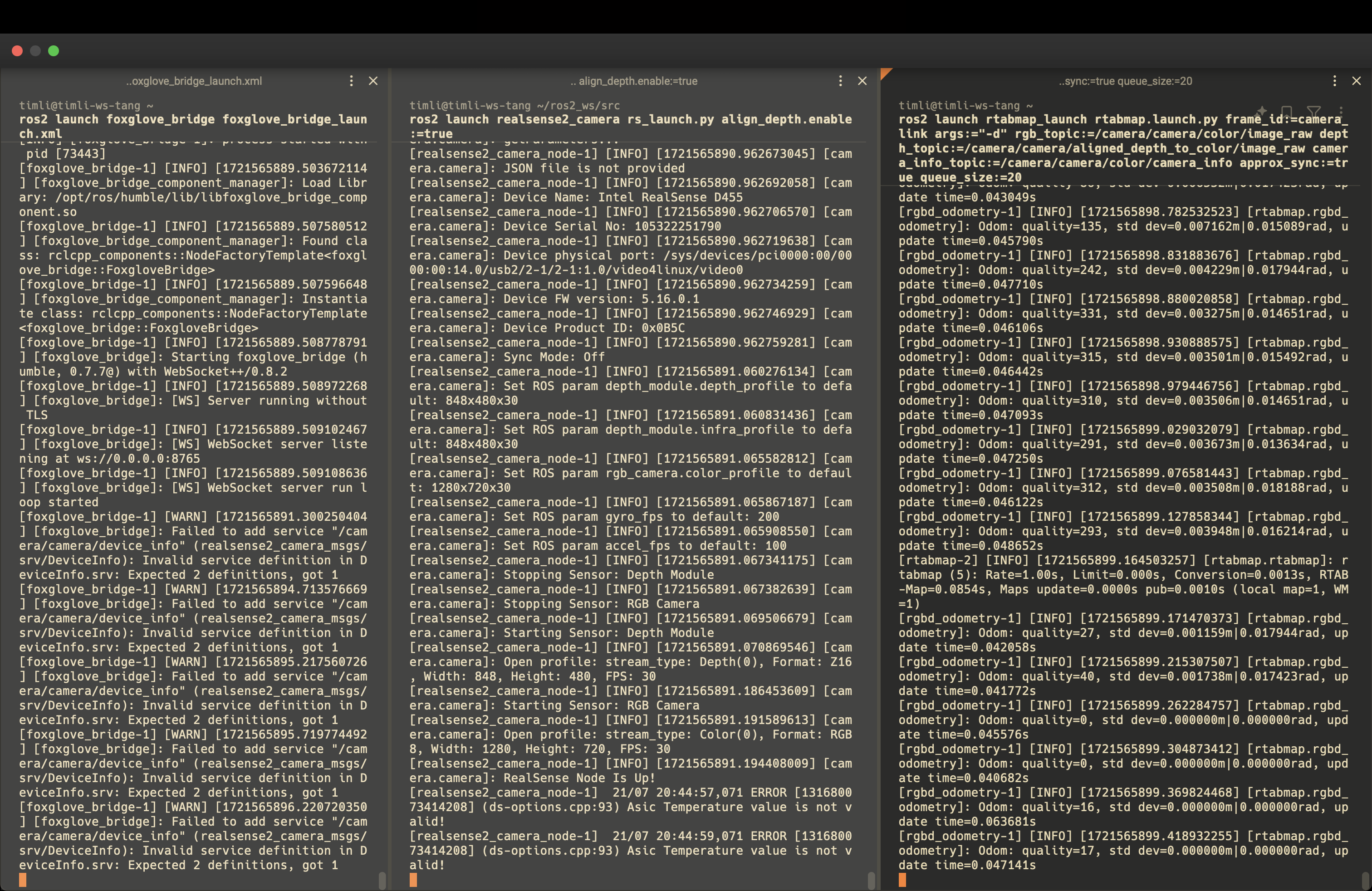
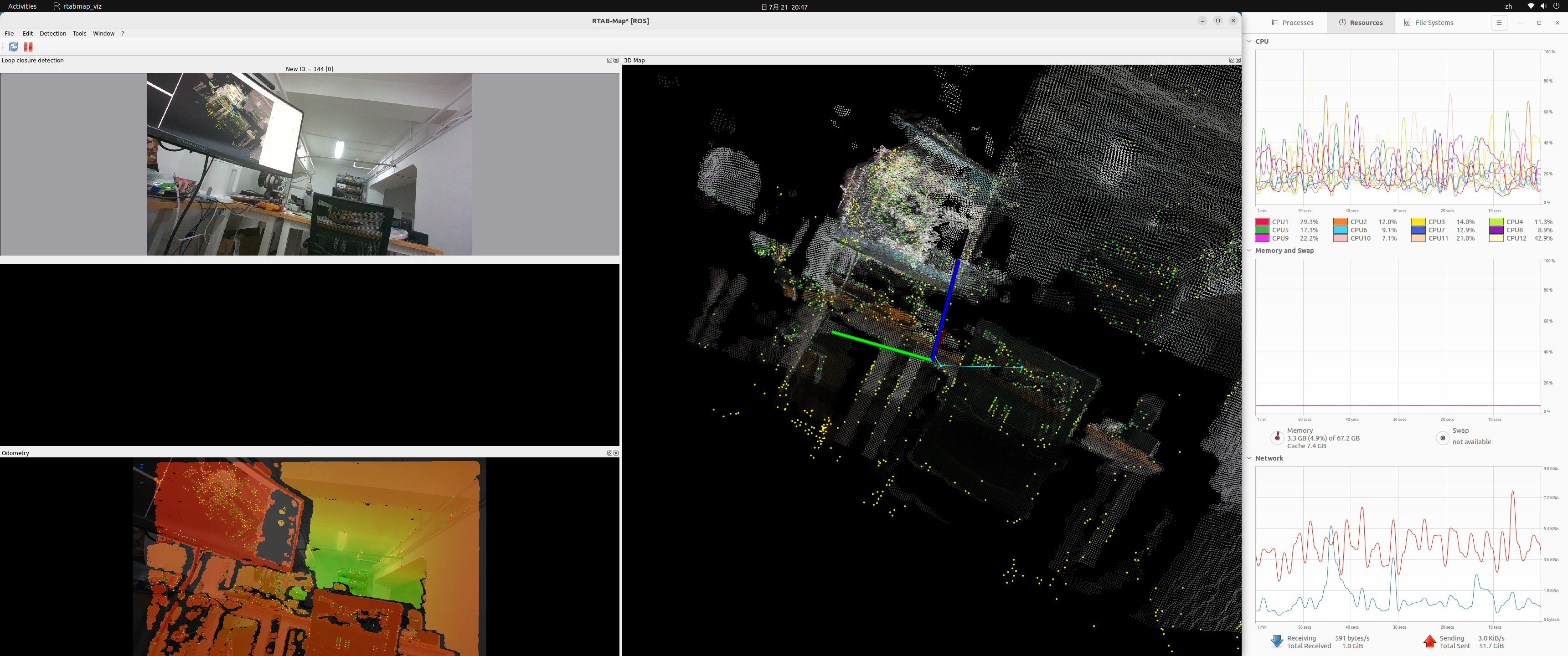
GUI:
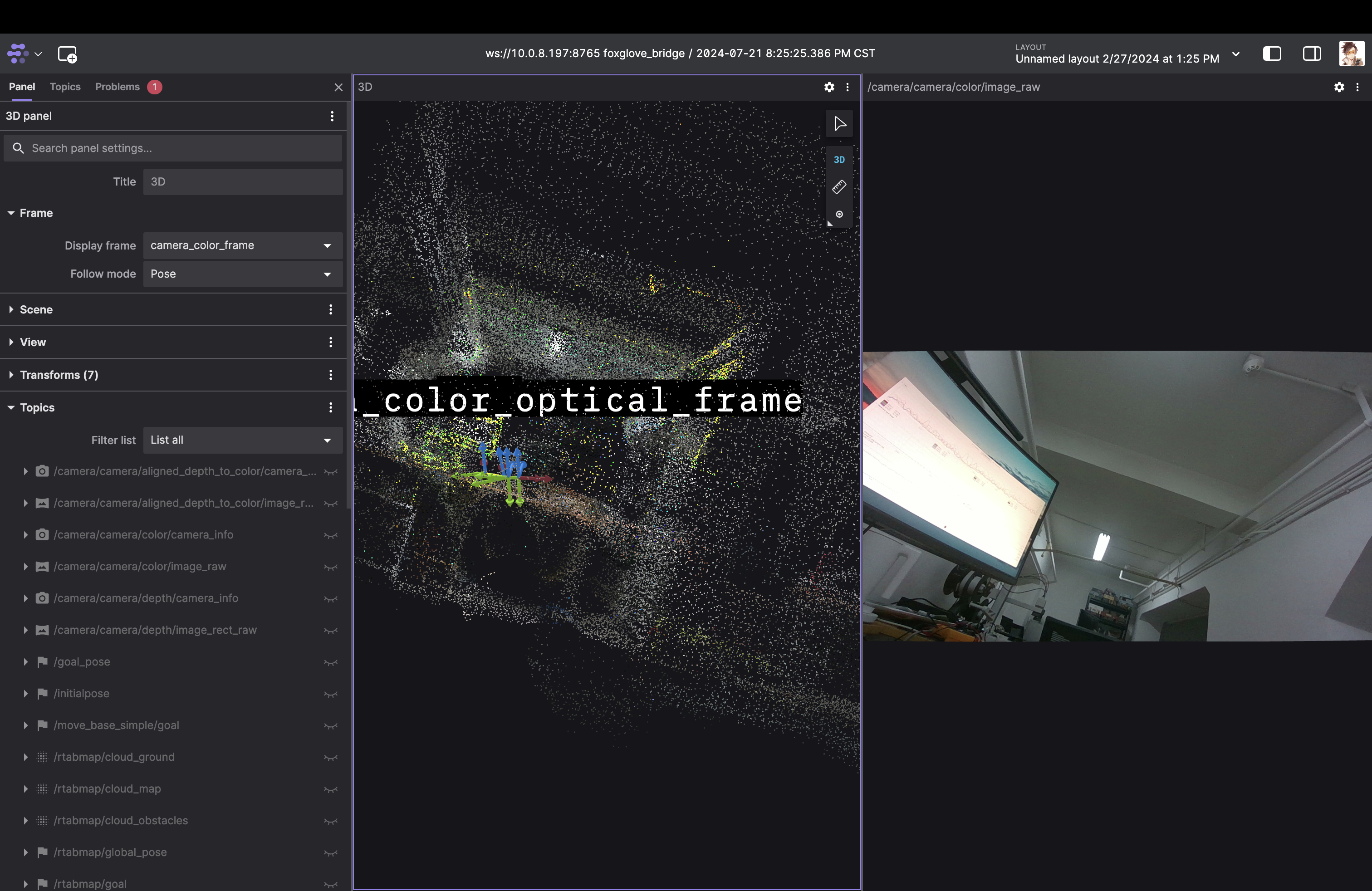
- Remote ROS console (Foxglove):
Note:
- The default topics of RealSense node contains double
camera - RTAB launch with a GUI by default. set
DISPLAY=:0or addexport DISPLAY=:0in~/.bashrcto view it. queue_size:=20is necessary based on my test. Or RTAB would froze in few seconds after starting.
SLAM with Jetson Orin
- Flap the USB-C if no device was found.
- Lower the resolution of camera to avoid lag from USB connection.
1
ros2 launch realsense2_camera rs_launch.py align_depth.enable:=true depth_module.depth_profile:=640x360x30 depth_module.infra_profile:=640x360x30 rgb_camera.color_profile:=480x270x30